It is a topic so important that two posts were made about it on the same blog today!
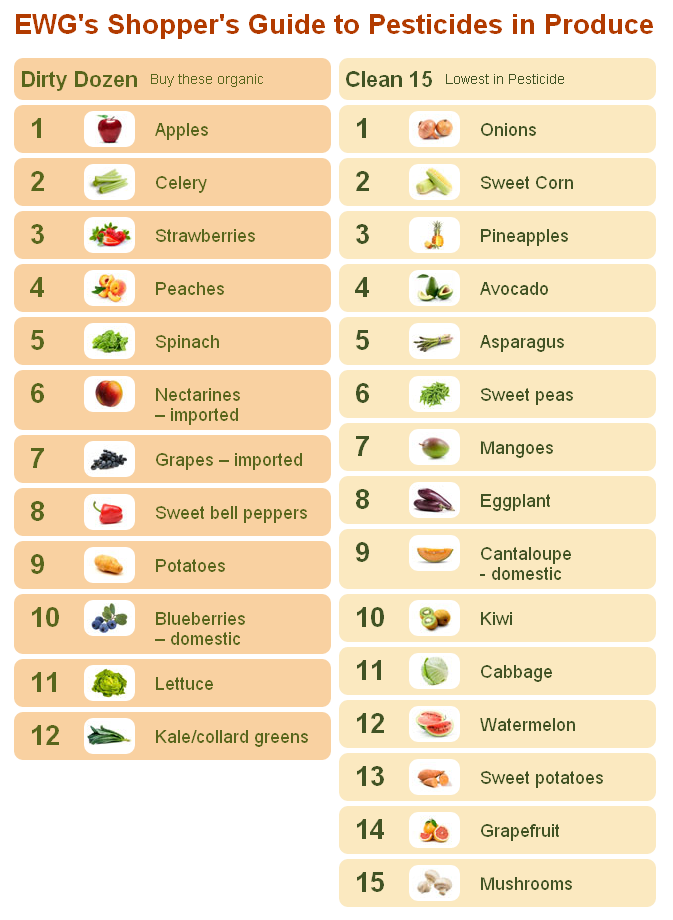
EWG’s Shopper’s Guide to Pesticides in Produce (click for original article) The graphic below the result of their findings:
It is a topic so important that two posts were made about it on the same blog today!
YouTube – Actions Speak Louder Than Words, Mr. President.
And now, a few words from our Vacationer-in-Chief…
Andrew Clavan explains some truth to college graduates:
I’m told this spot is funny, but our own agents have been KILLED by this program. Stewart makes jokes, but all this is real. Our government is selling guns to drug dealers that are then using those guns against us.
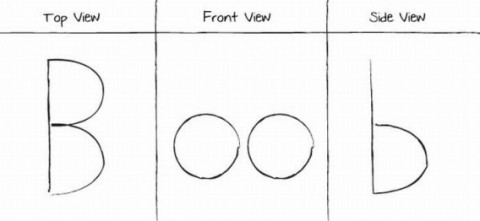
This educational diagram takes me back to my college years… when I took a drafting class and learned about drawings and viewpoints.
No need to thank me….
just trying to keep friends informed and educated.
A humorous sign: (irony of criticizing idiots with a sign containing grammar mistakes is not lost on me)
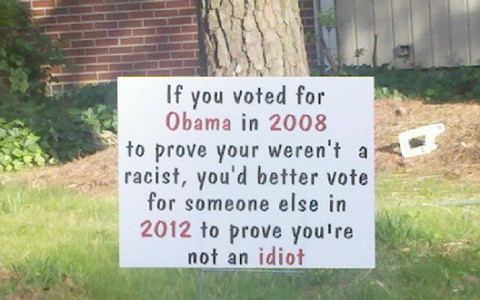
“If you voted for Obama in 2008 to prove you weren’t a racist, you’d better vote for someone else in 2012 to prove you’re not an idiot!”
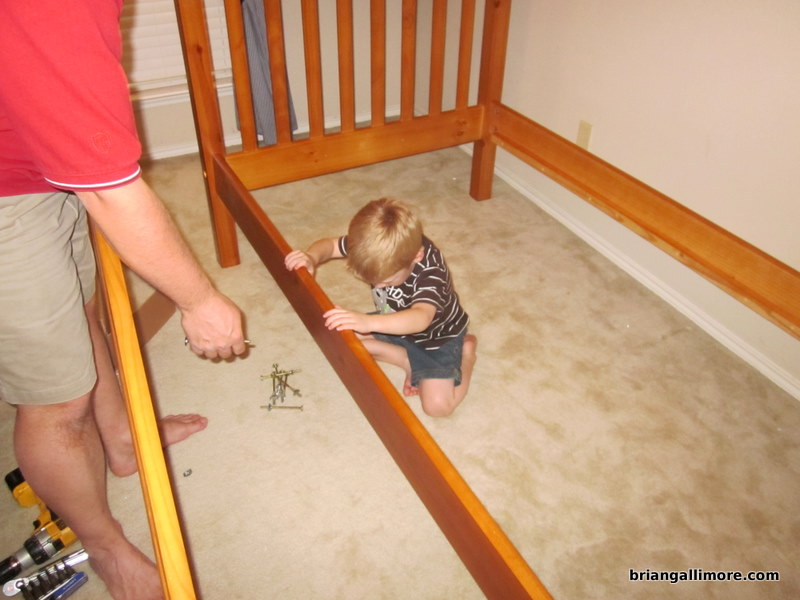
I was greeted home tonight with a 4-year-old doing some sort of celebration dance and singing a made up song “I’ve got a bunk-bed!” over and over. I really had no choice but to get right to work putting it together for him. I think it took longer to empty out the 8 boxes it came in! Bryson was a big help, and in the end he performed the celebration dance again on the stairs.
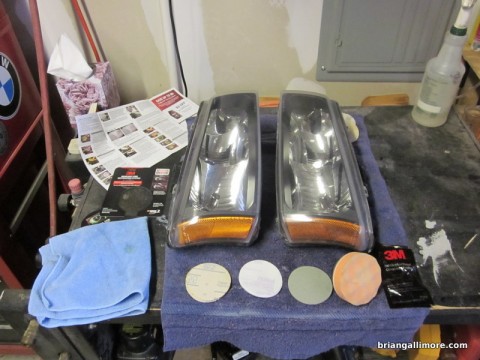
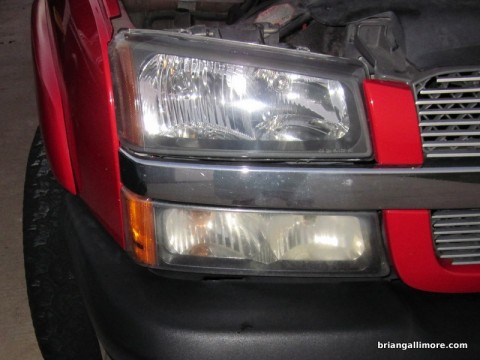
If your plastic headlight lenses are looking hazy like mine were, you can probably recondition them so they look near-new for about $15 and 30 minutes of time. I used the 3M Headlight Lens Restoration System
Etiquette in the Information Age – Volume 2
This is pretty simple and common sense, but I constantly receive email forwards that prove we haven’t evolved enough. This is part two of my most recent effort to make the world a little better place to live.